Operation Parameters
The Operation Parameters module is used to define custom parameters required during production operations.
These parameters help capture additional operational data while executing an operation. Once created, these parameters will be available for selection in the Operations module.
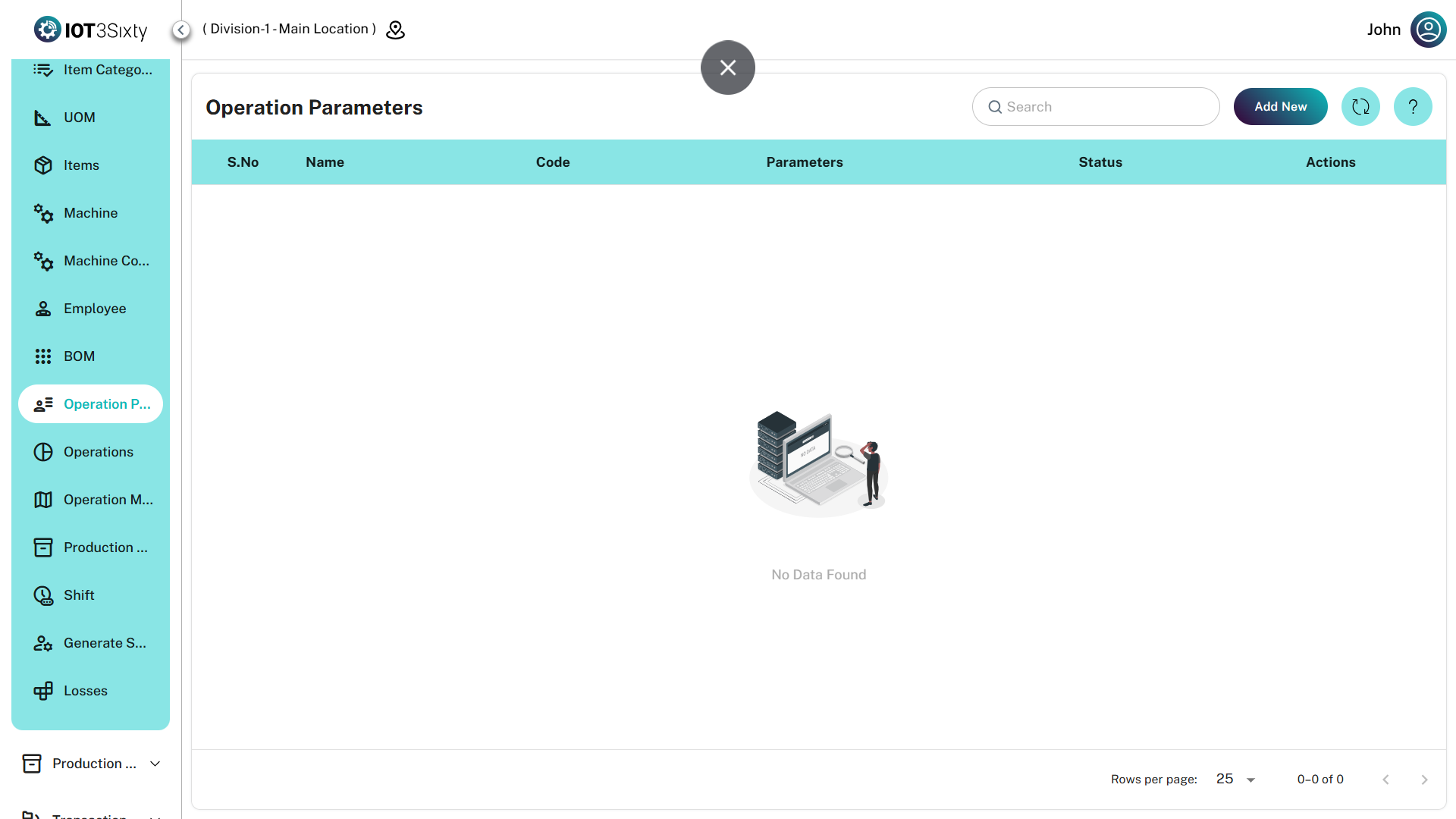
Adding Operation Parameters
To create a new operation parameter:
- Navigate to the Operation Parameters module.
- Click the Add New button.
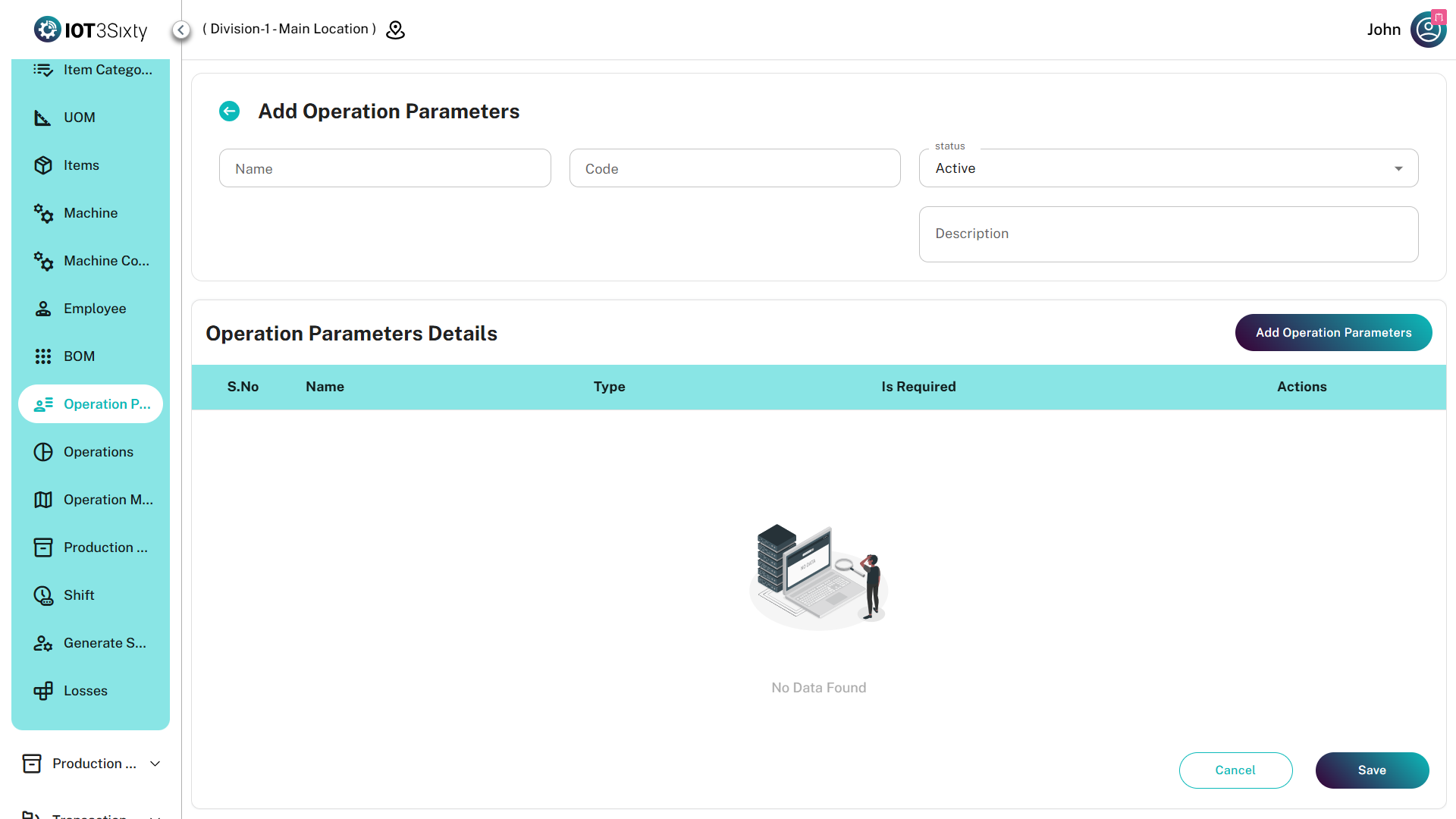
- Enter the required parameter details.
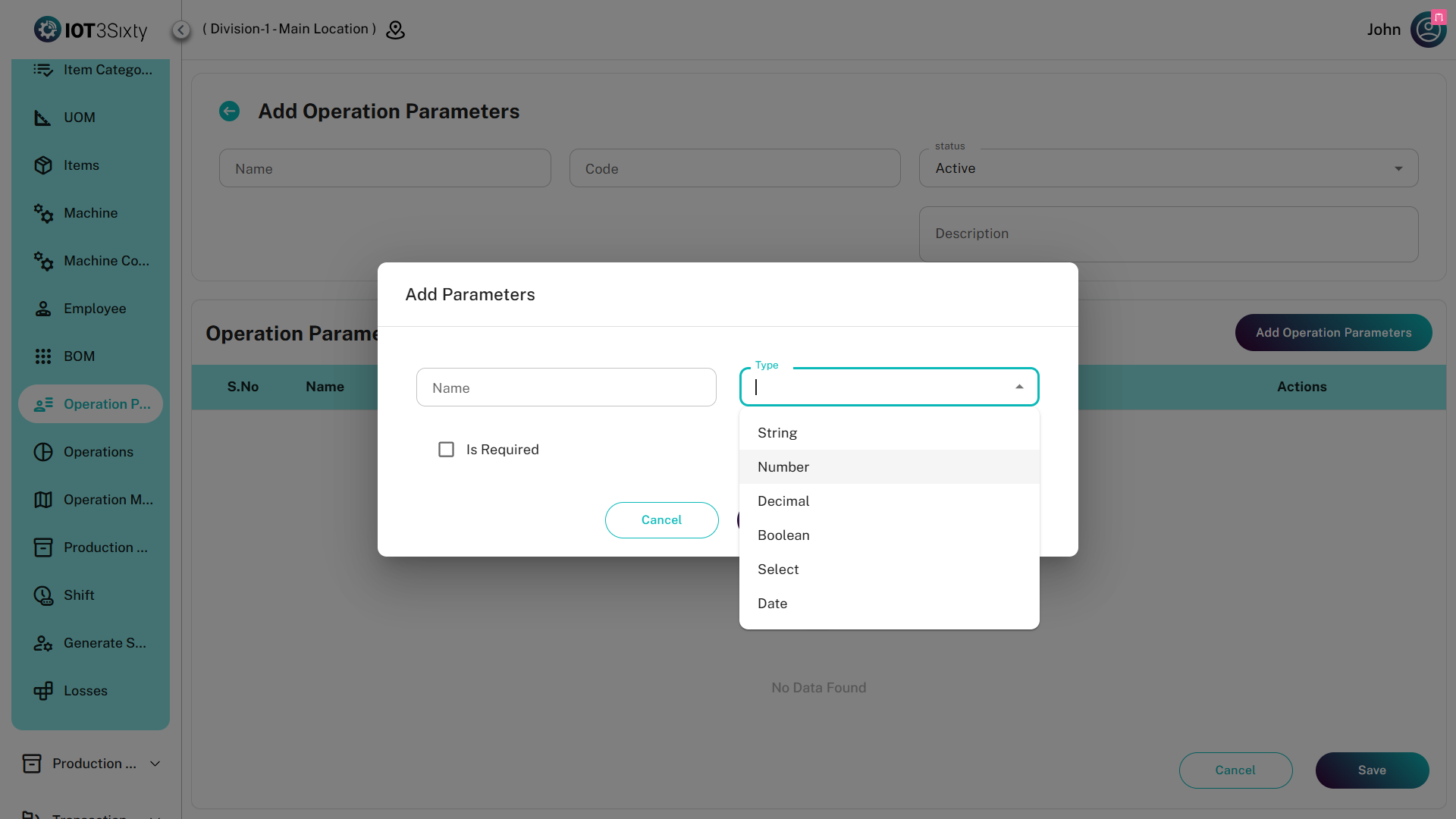
- Add the necessary parameter fields.
- Click the Save button.
After saving, the created parameters will be available in the Operations module under the Parameters section.
Operation Parameter Details
| Field | Description |
|---|---|
| Name | Name of the operation parameter configuration |
| Code | Unique code assigned to the parameter configuration |
| Status | Indicates whether the parameter configuration is active or inactive |
| Description | Optional field used to provide additional information |
Adding Parameter Fields
Inside the operation parameter form, click Add Operation Parameters to define the required fields.
These fields will be displayed in a table where users can configure the required parameter information.
| Field | Description |
|---|---|
| Parameter Name | Name of the parameter field |
| Value | Value associated with the parameter |
| Validation | Defines validation rules for the parameter value |
| Required | Indicates whether the parameter field is mandatory |
Users can add multiple parameter fields depending on operational requirements.
Usage in Operations
Once the operation parameters are created and saved:
- They will appear in the Operations module.
- Users can select the required parameter configuration while creating an operation.
- The configured parameter fields will be available during operation execution to capture necessary data.