UOM
Unit of Measurement (UOM)
- Navigate to the UOM (Unit of Measurement) section from the MES Dashboard or main menu.
- This section allows you to view, manage, and configure different measurement units used across the MES application.
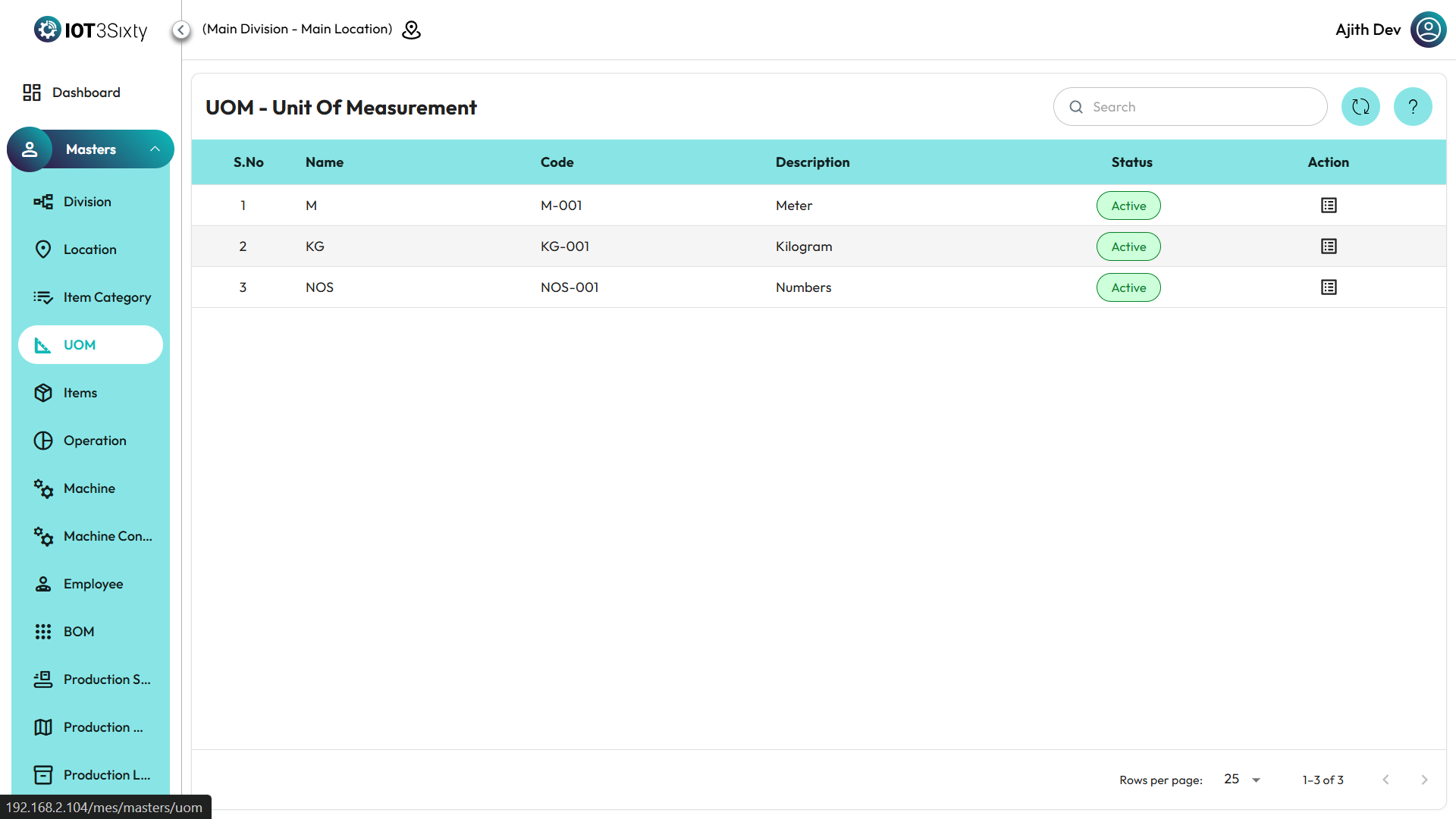
UOM Details Displayed
Each UOM record includes the following information:
- Name – The name of the unit of measurement (e.g., Kilogram, Piece, Liter).
- Code – A unique code that represents the UOM.
- Description – A brief explanation or reference for the UOM.
Action Options
- Under the Action column, you will see an Icon for each UOM.
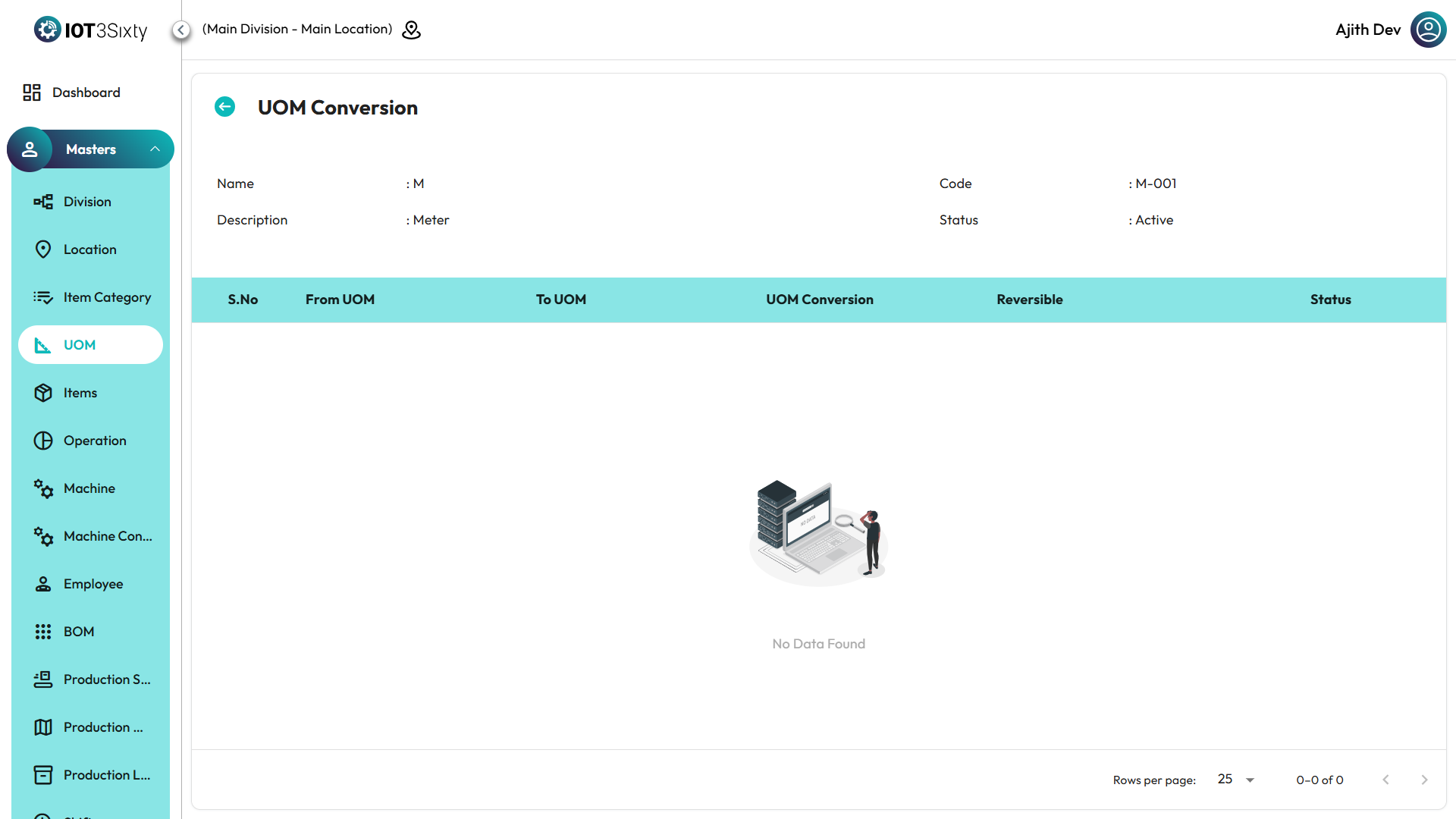
- By clicking the UOM Conversion Icon, you can view the relevant UOM conversion details.
- The conversion screen shows how the selected UOM is related to other units (for example, 1 Box = 12 Pieces).
✅ Tip: Review your UOM conversions regularly to ensure data consistency across production, inventory, and reporting modules.