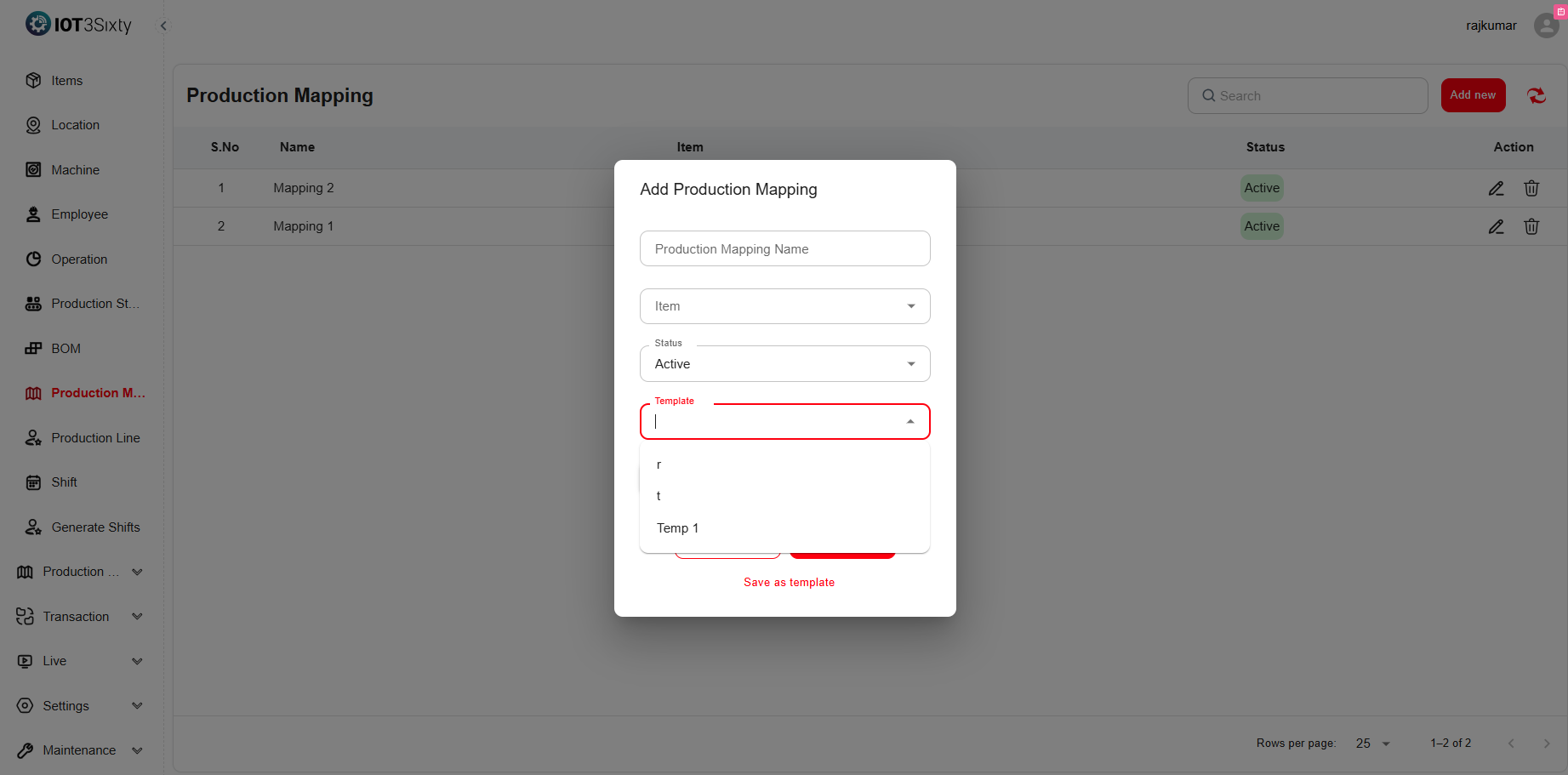
Production Mapping
1.9. Production Mapping
The Production Mapping module connects different production stages to define the complete manufacturing process for an item. It allows users to organize the order of operations, assign related stages, and streamline production planning.
This feature acts as a blueprint for how a product moves through each stage of production, ensuring efficiency, consistency, and easy tracking.
Users can add, edit, or delete production mappings as required.
Mappings can also be saved as templates for future reuse, reducing setup time for repeated processes.
Steps to Add a Production Mapping
-
Navigate to the Production Mapping Menu.
-
Click Add New to create a new mapping.
-
Fill in the following details:
Field Description Mapping Name Provide a unique name for the mapping (e.g., Bike Frame Production Flow). Item Select the finished good item for which the mapping is being created. Production Stages Choose the stages (e.g., Cutting, Welding, Painting) that form part of this mapping. Sequence Order Define the order in which the stages will be executed. Save as Template Optionally, select this to reuse the same mapping for future production runs. Status Choose whether the mapping is Active or Inactive. -
Click Save to store the production mapping details.
Key Points
- You can edit or delete existing mappings as needed.
- Saving mappings as templates helps in reusing configurations for new items or batches.
- Ensures a structured flow of production stages, minimizing manual setup and improving consistency.