Stock Request
The Stock Request module manages item requests that come from external customers or internal departments. It is designed to ensure that all stock demands are handled efficiently, tracked accurately, and fulfilled on time.
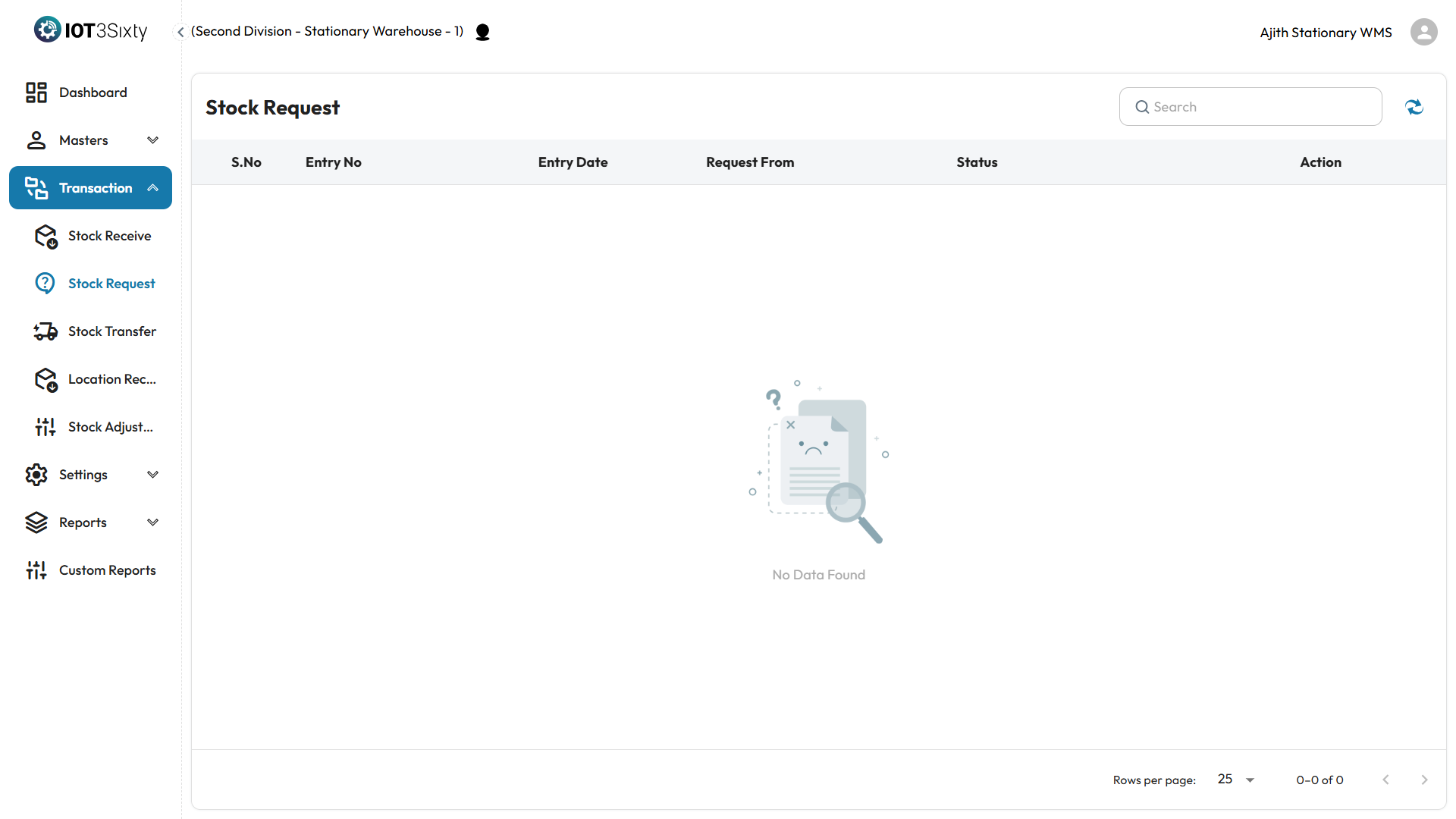
Request Overview
When a customer or internal team requests stock, the request will automatically appear in the Stock Request listing page.
Displayed Fields
Each entry in the Stock Request list shows the following information:
| Field | Description |
|---|---|
| Entry No | Unique identifier for the stock request |
| Entry Date | Date when the request was created |
| Request From | Customer or internal source requesting stock |
| Status | Current status (e.g., Pending, Approved, Fulfilled) |
Request Processing Flow
-
View Request
Click on a request to view full details including requested items and quantities. -
Approve or Reject
- Approve the request if stock is available.
- Reject if the request is invalid or stock is unavailable.
-
Initiate Processing
After approval, the system can initiate the picking, packing, and delivery steps. -
Track Status
The status of each request is updated as it progresses:Pending→Approved→In Process→Completed
Benefits
- Streamlined external/internal request handling
- Real-time visibility into stock demand
- Accurate fulfillment and tracking
- Reduction in manual processing errors
Need a flowchart or image representation? Let me know and I can help design it for visual documentation.