Stock Adjustment
The Stock Adjustment module is used to correct inventory levels in situations such as damage, loss, misplacement, or any other discrepancies. It helps maintain accurate and up-to-date stock records.
Purpose
Inventory levels may need to be manually adjusted due to real-world events that differ from the system’s current count. This module allows users to update the system with the correct stock quantity after verification.
🧾 Common Scenarios
- Damaged goods
- Expired stock
- Physical stock miscount
- Stock transfers not completed
- Audited discrepancies
Add Stock Adjustment
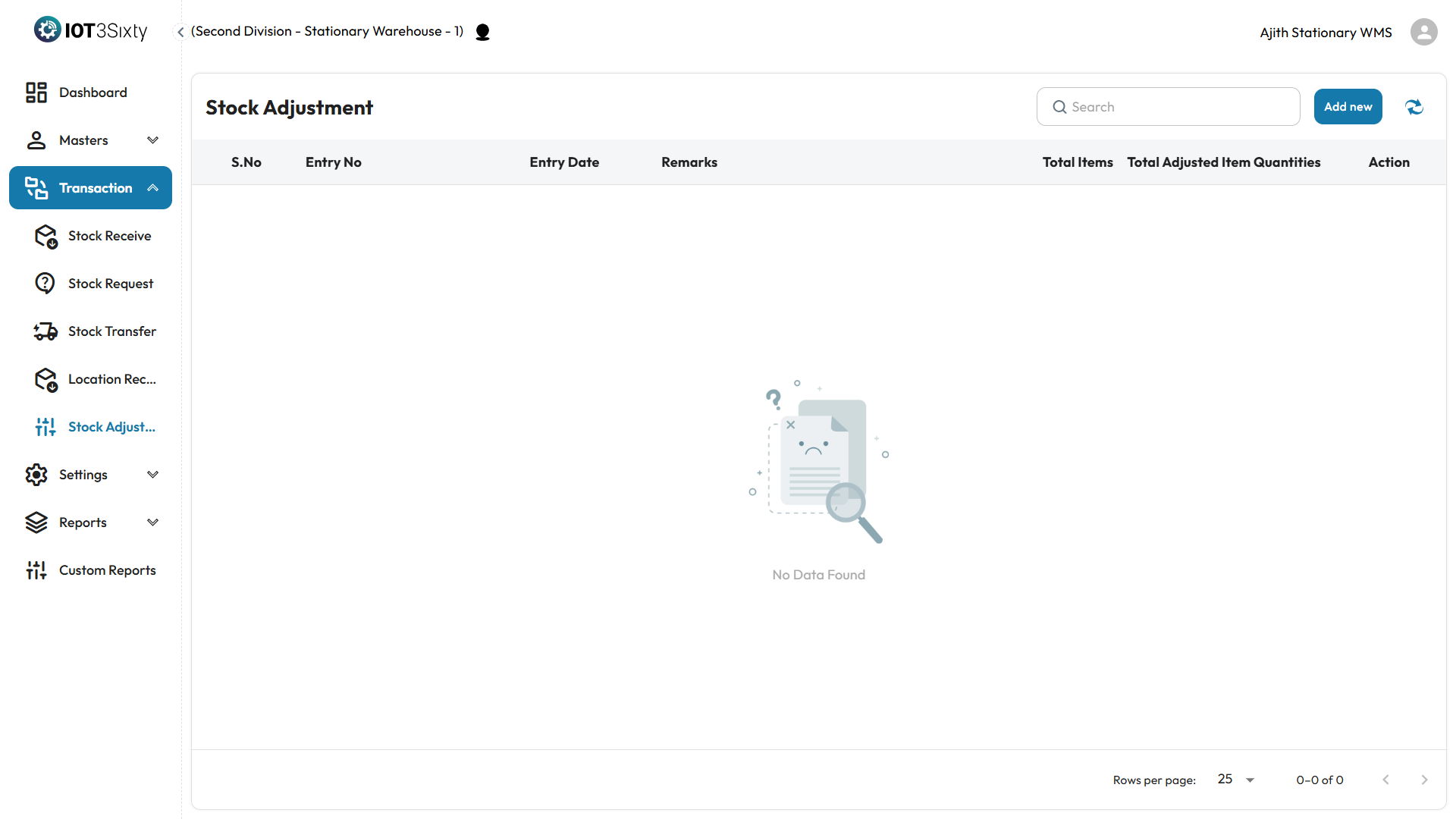
Step 1: Click Add New
- Navigate to the Stock Adjustment screen.
- Click the "Add New" button to initiate a new adjustment.
Step 2: Enter Item
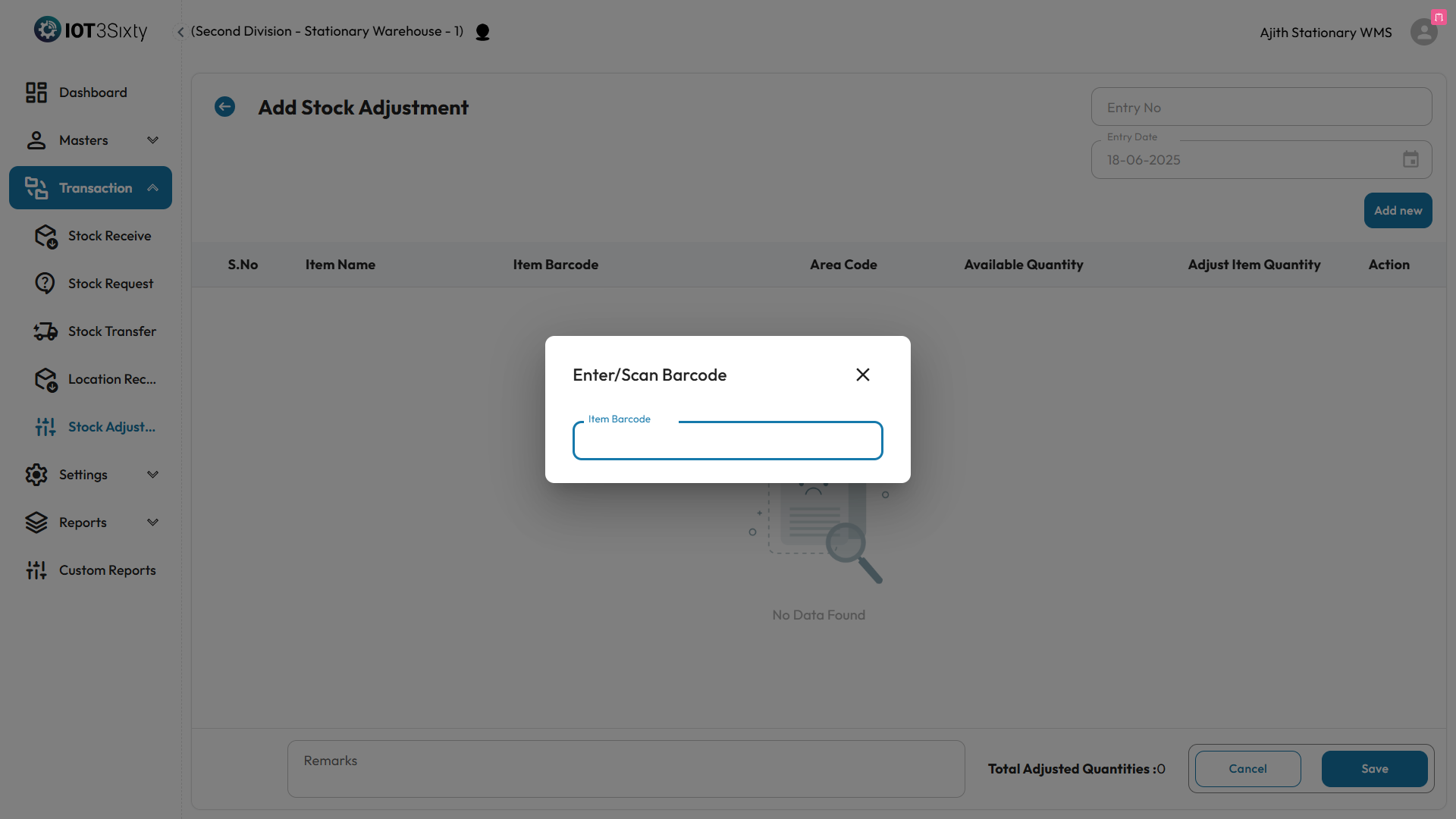
- A dialog box will appear.
- Enter or scan the item code/barcode in the input field.
- Press Enter to auto-fill the item’s stock details.
Step 3: Review & Adjust
The following fields will be displayed:
| Field | Description |
|---|---|
| Item Name | Name of the item selected |
| Barcode | Unique identifier for the item |
| Area Code | Storage area within the warehouse |
| Available Quantity | Quantity currently in the system |
| Adjusted Quantity | New quantity after adjustment |
| Remarks | (Optional) Reason or note for adjustment |
Step 4: Save
- After entering the Adjusted Quantity and any Remarks, click the Save button.
- The adjustment will be logged, and the stock levels will be updated accordingly.
Outcome
- Accurate and reliable inventory records.
- Audit trail maintained for every stock change.
- Helps improve operational control and reduce stock mismatches.
📌 Ensure adjustments are only made by authorized users with proper validation processes in place.