Admin Application User Manual
Introduction
This user manual provides step-by-step instructions for using the Admin application. It covers the process from logging in to creating item categories, which is a prerequisite for managing items in the system.
User Login
-
Accessing the Application
- Open the MES application through the provided URL.
- Ensure you have your login credentials (username and password).
-
Steps to Log In:
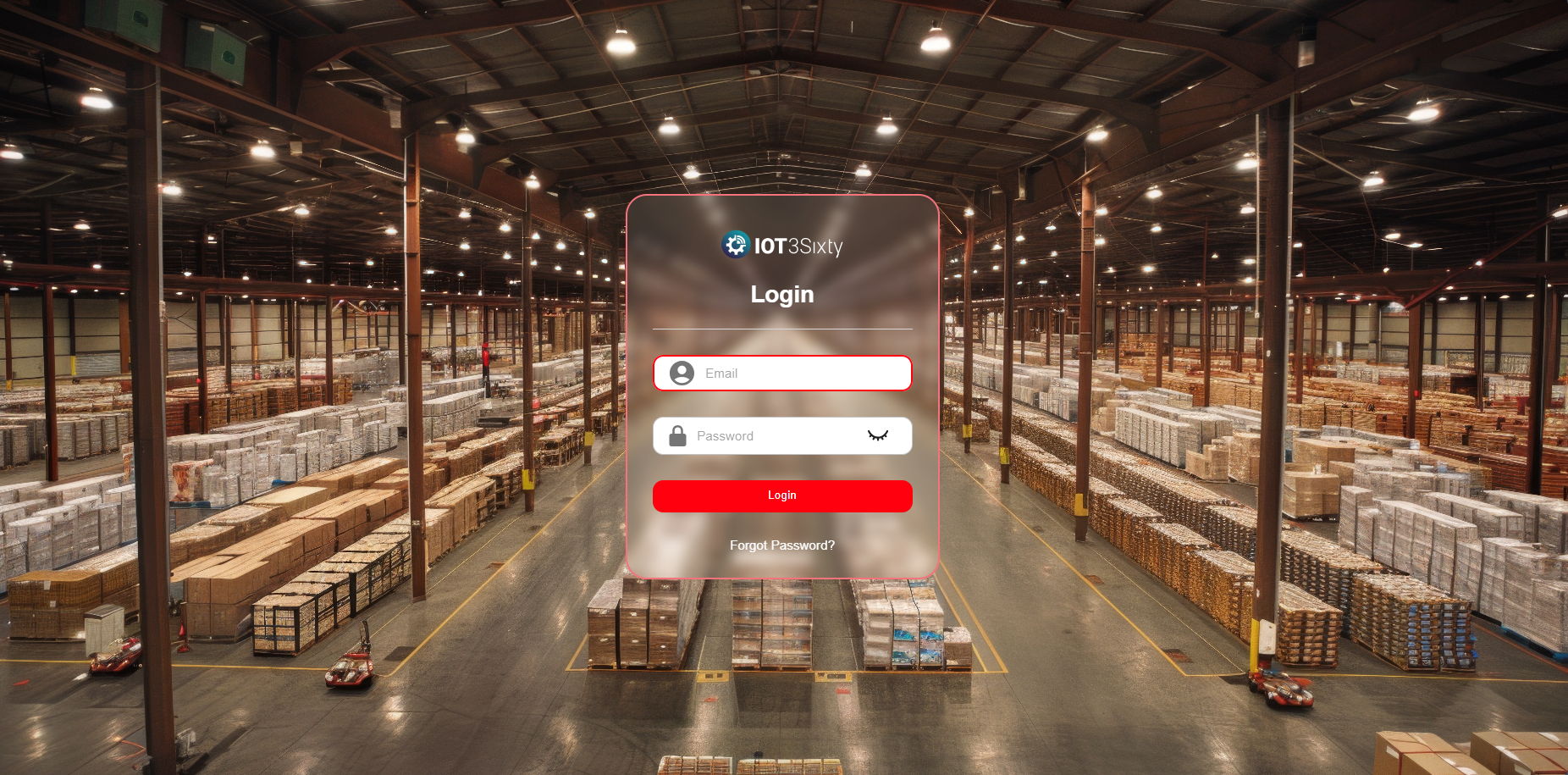
- Enter your username and password into the login form.
- Click the Login button.
- If your credentials are correct, you will be redirected to the MES dashboard.
Admin - Forgot Password
As an Admin, you have elevated access to manage users, settings, and master configurations within the application. It's important to maintain access to your account at all times.
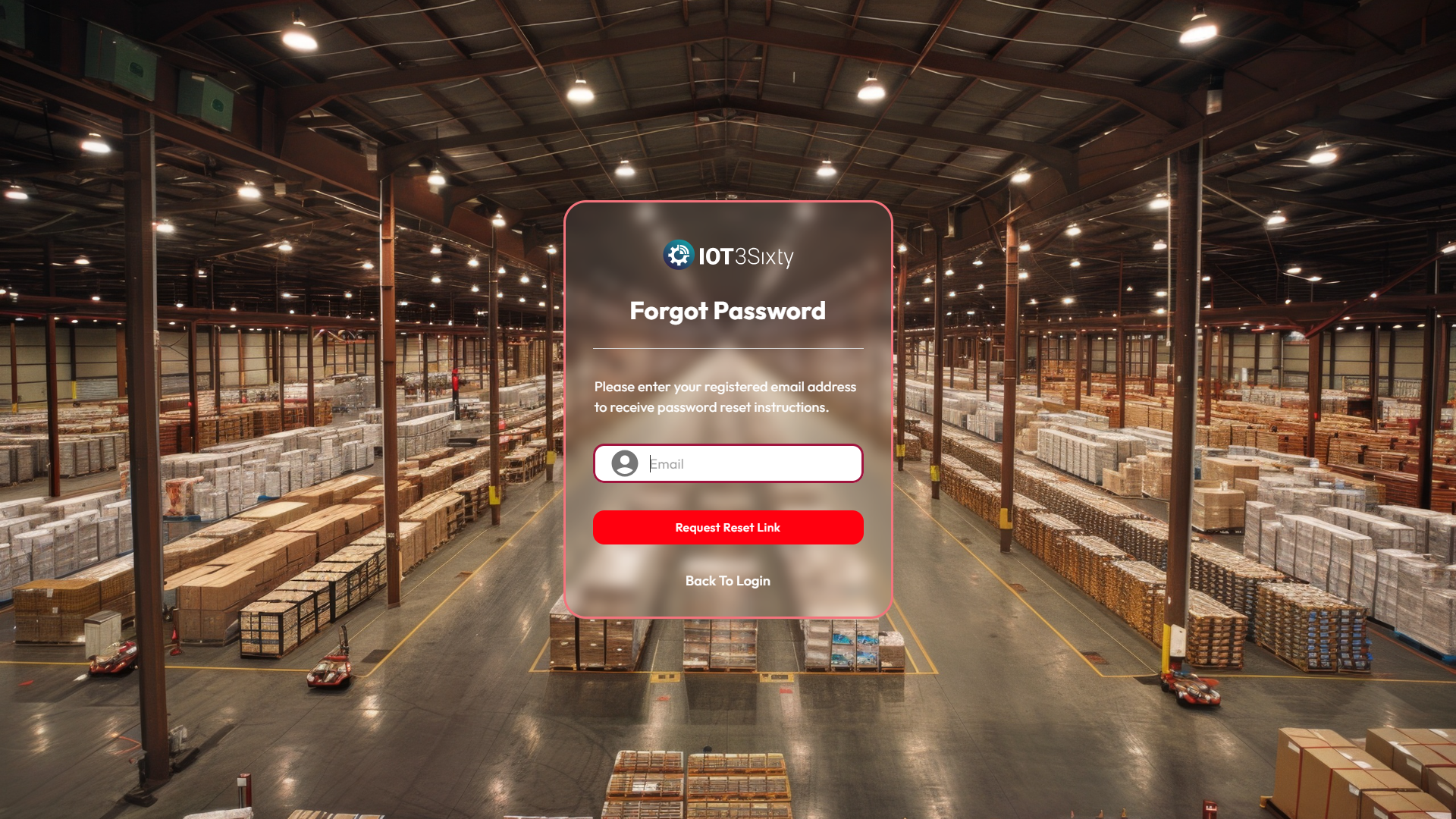
If you ever forget your password, follow these steps to securely request a password reset link:
Steps to Request Password Reset
- Navigate to the Login page.
- Click on the "Forgot Password?" link below the login form.
- Enter your registered admin email address in the input field.
- Click on the "Request Reset Link" button.
- An email with a password reset link will be sent to your inbox.
- Open the email and follow the instructions to reset your password securely.
⚠️ Note: Ensure you enter the correct email address associated with your admin account to receive the reset link.
For additional support, please contact your system administrator or IT team if you do not receive the email.